




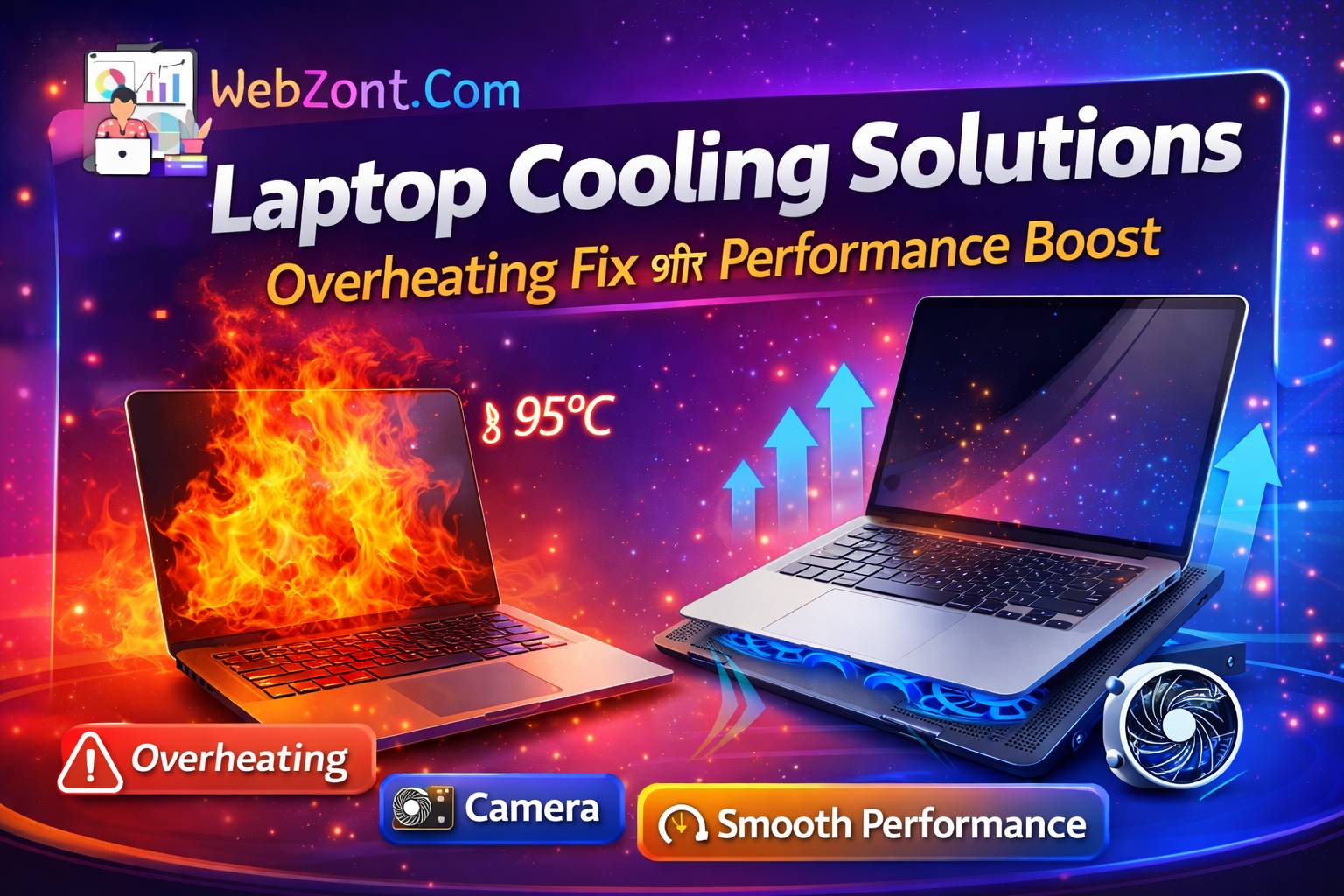
Laptop Cooling Solutions – Overheating Fix और Performance Boost

Laptop overheating एक common problem है — खासकर gaming, video editing, coding या heavy multitasking के दौरान। जब laptop ज्यादा heat हो जाता है, तो performance slow, FPS drop और sudden shutdown भी हो सकता है।
Table Of Content
Cooling solutions का इस्तेमाल करके आप laptop temperature कम कर सकते हैं और performance improve कर सकते हैं। External laptop coolers और airflow solutions heat buildup को कम करने में मदद करते हैं।
🧊 Popular Laptop Cooling Gadgets
Budget Cooling Pads
Zebronics NC3300 Laptop Cooling Pad
₹549
•
Ant Esports NC230 Gaming Notebook Cooler Pad
₹629
•
Flipkart + others
Ant Esports NC250 RGB Laptop Cooling Pad
₹779
•
Zepto + others
Cosmic Byte Cyclone RGB Laptop Cooling Pad
₹1,499
•
Cosmic Byte + others
Features
- USB-powered cooling fans
- Adjustable height stand
- Better airflow under laptop
- RGB lights (gaming models)
Cooling pads use fans to push hot air away from the laptop and pull cooler air inside, reducing temperature buildup.
High-Performance Laptop Coolers
TopMate C5 Gaming Laptop Cooler
₹3,885
•
Ubuy + others
KLIM Wind Laptop Cooling Pad
₹5,813
•
desertcart.in + others
IETS GT202UB Vacuum Laptop Fan Cooler
₹3,785
•
desertcart.in + others
COOLCOLD K27 Laptop Cooler
₹5,409
•
amazon.in
Why These Are Better
- Multiple cooling fans
- High airflow cooling system
- Adjustable fan speed
- Gaming laptop compatibility
High-end cooling pads can significantly improve airflow and keep laptops running cooler during heavy workloads.
🌡️ Why Laptop Overheating Happens
| Cause | Explanation |
|---|---|
| Dust buildup | Blocks vents and heat sinks |
| Heavy tasks | Gaming / editing increases CPU-GPU load |
| Poor airflow | Using laptop on bed or pillow |
| Old thermal paste | Reduces heat transfer efficiency |
Dust accumulation and poor airflow can block the heatsink and prevent proper cooling, leading to overheating.
⚡ Performance Boost From Cooling
| Temperature Drop | Result |
|---|---|
| 5–10°C | Better stability |
| 10–15°C | Higher FPS |
| 15°C+ | Reduced throttling |
Cooling solutions help maintain optimal temperatures so processors can run at higher performance levels without thermal throttling.
🛠 Simple DIY Cooling Tips
1️⃣ Clean Laptop Vents
Use compressed air to remove dust every 3–6 months.
2️⃣ Use Hard Surface
Always place laptop on desk or cooling stand, not on beds.
3️⃣ Elevate Laptop
Raising the back improves airflow.
4️⃣ Replace Thermal Paste
Every 2–3 years for better heat transfer.
5️⃣ Limit Background Apps
High CPU usage increases heat generation.
🔋 Passive vs Active Cooling
| Cooling Type | How It Works |
|---|---|
| Passive Cooling | Elevates laptop for airflow |
| Active Cooling | Fans push hot air away |
Active cooling pads use fans to enhance airflow around the laptop and remove heat faster.
🏆 Best Cooling Solutions by Use Case
| Use Case | Recommended Solution |
|---|---|
| Gaming laptop | Multi-fan cooling pad |
| Office work | Basic cooling stand |
| Heavy rendering | Vacuum cooler |
| Travel use | Portable slim cooling pad |
❓ FAQ – Laptop Overheating
Q1. Cooling pad से laptop कितना cool होता है?
👉 Usually 5-15°C temperature drop possible.
Q2. क्या cooling pad performance improve करता है?
👉 Yes, thermal throttling कम होने से performance stable रहता है।
Q3. Gaming laptop के लिए कौन सा cooler best है?
👉 Multi-fan cooling pads or vacuum coolers.
Q4. Laptop overheating dangerous है?
👉 Long-term heat motherboard और battery damage कर सकती है।
✅ Conclusion
Laptop overheating fix करने के लिए सबसे effective solutions हैं:
- Cooling pad
- Proper airflow
- Dust cleaning
- Thermal paste replacement
Best results के लिए cooling pad + proper ventilation combination use करना चाहिए।